External Communication Methods Overview
There are several ways to extend your notifications to external communication methods such as email addresses and mobile devices. This is done by importing and manually entering contacts in OneAlert that contains the contact's email address and cellphone number. Your contacts can also download the Mobile Client app on their mobile devices to receive notifications. And, with the Mobile Client app, your OneAlert users can trigger notifications from within the app.
Each module listed below provides a different external communication method:
- Email Module – Allows notifications to be sent as email to contacts.
- Mobile Client – Allows notifications to be sent to iOS and Android devices through the Mitel Revolution Mobile Application App.
- SMS/Dialer Module – Allows notifications to be sent as text-to-speech or text messages to contacts.
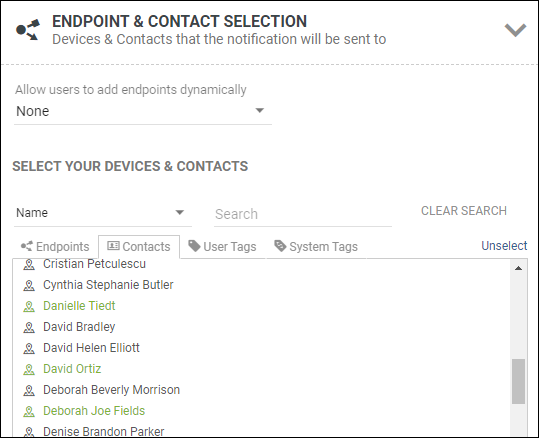
All of these communication methods are designated when contacts are assigned to notifications. Contacts are imported or manually entered. See Contacts.